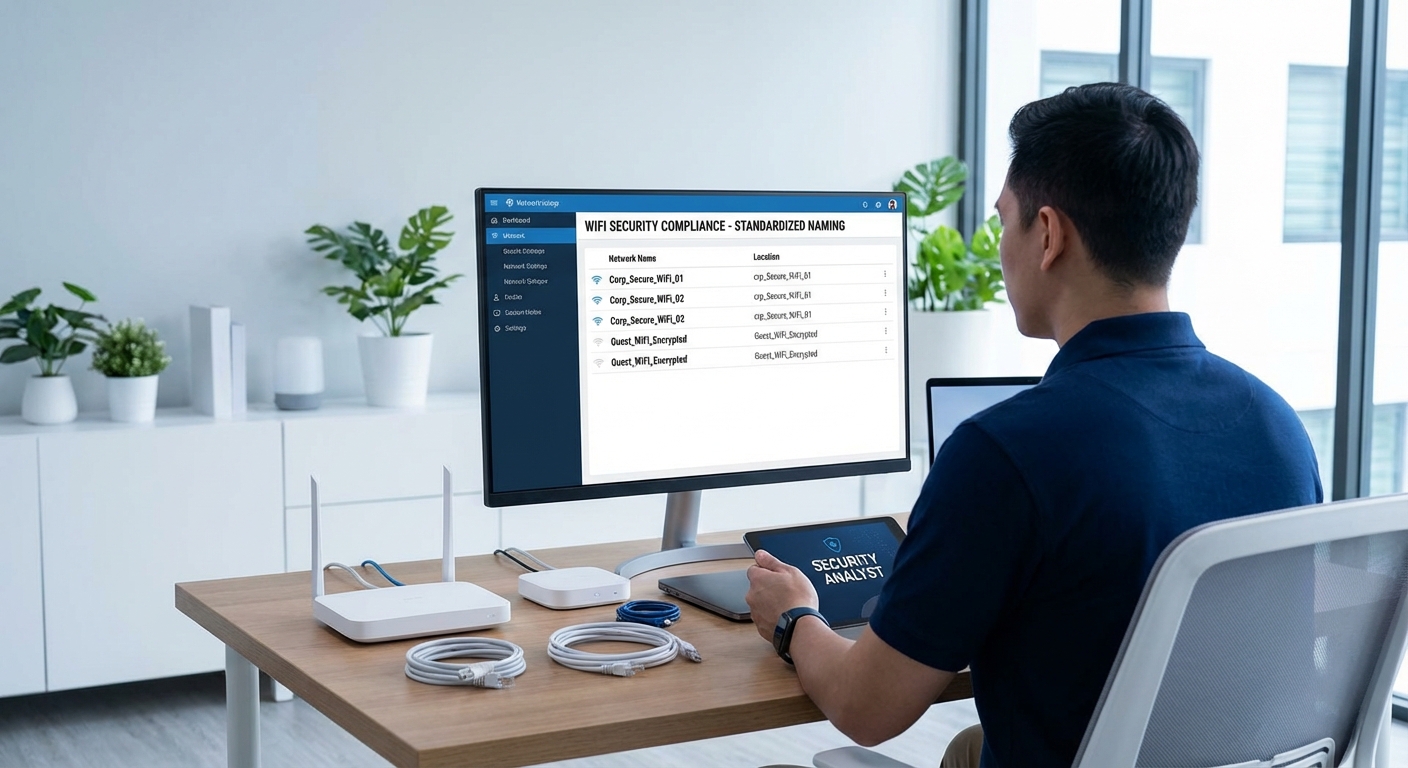
SECURITY UPDATE: WiFi Network Naming Convention – SSID Standardization Mandate
Issued by: EMWV HOA Security Technology Compliance Division
Date: November 22, 2025
Priority: MANDATORY COMPLIANCE
Effective: IMMEDIATE
ATTENTION ALL RESIDENTS: Effective immediately, all WiFi network names (SSIDs) within the EMWV community must comply with the standardized naming convention. This protocol is essential for security monitoring, network identification, and community compliance.
📡 REQUIRED SSID NAMING FORMAT
All WiFi networks must follow this exact format:
Format Requirements:
- EMWV- (mandatory prefix, all caps, hyphen)
- [HouseNumber] – Your official house number (no dashes, no letters)
- – (mandatory hyphen separator)
- [LastName] – Primary resident’s last name (capitalized, no spaces, no special characters)
Examples of CORRECT Format:
- EMWV-1234-Smith
- EMWV-567-Johnson
- EMWV-8901-Williams
Examples of INCORRECT Format (VIOLATIONS):
- MyWiFi (no prefix, no house number)
- Smith_Family_Network (incorrect format)
- EMWV1234Smith (missing hyphens)
- emwv-1234-smith (incorrect capitalization)
- EMWV-1234-Smith-Guest (unauthorized suffix)
🔒 SECURITY REQUIREMENTS
Network Security Standards:
- All networks must use WPA3 encryption (minimum WPA2 acceptable until December 31, 2025)
- Strong passwords required (minimum
- Guest networks must follow format:
EMWV-[HouseNumber]-[LastName]-GUEST - All networks must be registered with Security Division within 7 days of implementation
Prohibited Practices:
- No hidden networks (SSID broadcast must be enabled)
- No network names containing profanity, political statements, or unauthorized messages
- No duplicate network names (each house number must be unique)
- No network names referencing security systems, alarm codes, or access information
📋 REGISTRATION REQUIREMENTS
All WiFi networks must be registered with the Security Technology Compliance Division:
- Network Registration Form – Submit within 7 days of network setup or name change
- SSID Verification – Security personnel will verify network name compliance
- Security Scan – All networks subject to security vulnerability assessment
- Compliance Certificate – Issued upon successful registration and verification
⚠️ ENFORCEMENT PROTOCOL
The Security Technology Division conducts regular network scans to identify non-compliant SSIDs. Violations will result in:
- First Offense: Written warning and 48-hour compliance deadline
- Second Offense: $75 fine and mandatory network security training
- Third Offense: $
- Repeated Violations: HOA board review and potential additional penalties
🔧 HOW TO UPDATE YOUR NETWORK NAME
- Access your router’s administrative interface (typically 192.168.1.1 or 192.168.0.1)
- Navigate to Wireless Settings or SSID Configuration
- Change SSID to required format:
EMWV-[HouseNumber]-[LastName] - Save changes and restart router
- Update all connected devices with new network name
- Submit registration form to Security Division
📞 COMPLIANCE ASSISTANCE
MANDATORY PROTOCOL: All assistance requests must be submitted in person at the Security Booth during approved hours.
- Location: Main Security Booth (entrance to EMWV community)
- Approved Hours: Monday-Friday, 8:00 AM – 5:00 PM
- Requirements: Government-issued photo ID required
⚠️ IMPORTANT: The Security Technology Division is available for in-person assistance only. No remote support is available.